Inventory management software developmentKnow what's on the shelf without counting it.
- Stock by location
- Batches & expiry
- Purchase orders
- Barcode scanning
- Sales channel sync
- Stock reports
Once it's live
What changes- Counts you can trustinstead of a stocktake every Friday
- Reorders before stock-outsinstead of finding out from a customer
- No expired stock on shelvesinstead of write-offs at year end
You need inventory software if…
- Stock counts never match the system
- You find out about stock-outs from customers
- Expired or dead stock is written off every year
- Online and in-store stock drift apart
- Purchase orders live in emails
- Nobody knows which products actually make money
What your inventory system looks like
- Stock by location
- Batches & expiry
- Purchase orders
What launches first, what comes next
| Feature | Launch | Grow |
|---|---|---|
| Products, variants and locations | ||
| Stock movements and history | ||
| Low-stock alerts | ||
| Batches and expiry | ||
| Purchase orders and suppliers | ||
| Barcode scanning app | ||
| Online store and POS sync | ||
| Demand forecasts |
Anatomy of an inventory system
Layer 1
Daily screens
Stock listReceivingTransfersScanningLayer 2
Stock logic
LocationsBatches and expiryReorder pointsValuationLayer 3
Connections
Online storePOSSuppliersAccounting
The build path
Built on work we've already shipped
More projects built on this
Questions about inventory software
Still deciding?
Ask us about your project directly.
A free 30-minute call, and a written proposal before any work starts.
01Have you built inventory systems before?
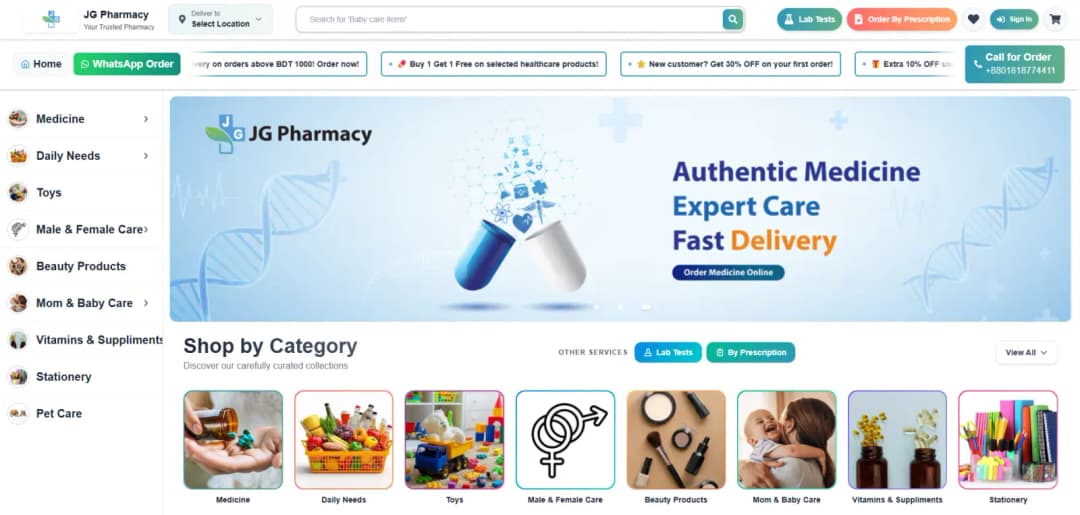
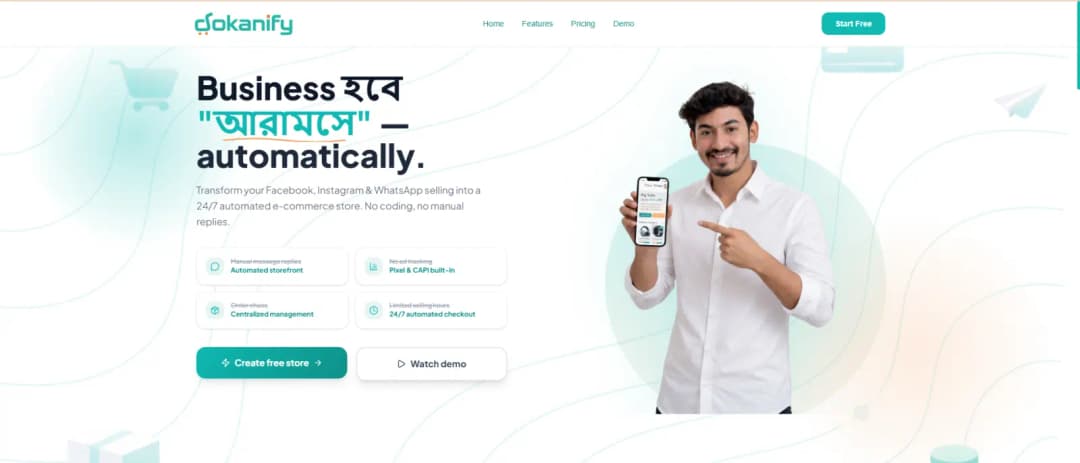
Yes. JG Pharmacy runs on batch- and expiry-aware inventory connected to its online store and deliveries, and Dokanify manages stock for many stores on one platform.
02Can it track batches and expiry dates?
Yes. Batches and expiry are tracked per location, with alerts before stock expires.
03Can it sync with our online store?
Yes. One stock ledger sits behind the store, POS and warehouse, so every sale updates the same count.
04Can staff scan barcodes with a phone?
Yes. A scanning app handles receiving, transfers and counts from a phone.
05How much does it cost and how long does it take?
It depends on the users, workflows and integrations involved. We scope every project on a free 30-minute call and send a written proposal with a phased plan before any work starts, so the most valuable part goes live first.
06Which countries do you work in?
We work remotely with businesses across North America, Europe, the Middle East, Asia-Pacific and Africa, including the United States, Canada, the UK, Germany, the UAE, Saudi Arabia, Australia and Singapore, and anywhere else, with a working demo every week of the build.
The services this solution is built from


Guides to help you plan
Practical answers to the questions clients ask us before they start.
Ready to build your inventory system?
Tell us how it should work. We'll scope a first release and a path to grow it.