Business process automation servicesBusiness Process Automation Services That Keep Work Moving
- Triggers
- AI steps
- Notifications
- Human review
- Integrations
- Logs & reports
Once it's live
What changes- Reminders sent automaticallyinstead of staff calling every client
- Each step triggers the nextinstead of tasks passed on by memory
- Reports generated on scheduleinstead of weekly spreadsheet exports
When Does a Business Need Process Automation?
- Staff spend hours making reminder calls and sending messages
- The same data is typed into more than one system
- Tasks get missed when a team member is away
- Reports require hours of manual work each week
- Customers wait for replies to routine questions
- Nobody can say how long each step actually takes
See a Booking Reminder Workflow in Action
- Triggers
- AI steps
- Notifications
Business Process Automation Services: What to Build
| Feature | Launch | Grow |
|---|---|---|
| Booking confirmations and reminders | ||
| Follow-ups on new inquiries | ||
| Status updates to customers | ||
| Scheduled reports and alerts | ||
| Document reading and data extraction | ||
| AI replies to routine questions | ||
| Cross-system data sync |
How Business Process Automation Works
Layer 1
Triggers
New booking or orderForm submittedStatus changedA scheduleLayer 2
Workflow
Rules and conditionsAI processing when usefulHuman review queueRetries on failureLayer 3
Actions & records
SMS and emailCRM and databaseDocumentsReports and alerts
From Manual Tasks to Workflows
Business Process Automation Services in Practice
Business Process Automation Services FAQs
Still deciding?
Ask us about your project directly.
A free 30-minute call, and a written proposal before any work starts.
01What kind of processes can be automated?
Repetitive work such as booking reminders, lead follow-ups, status updates, document data entry and scheduled reports. Our business automation software guide shows where to start.
02Have you automated processes like these before?
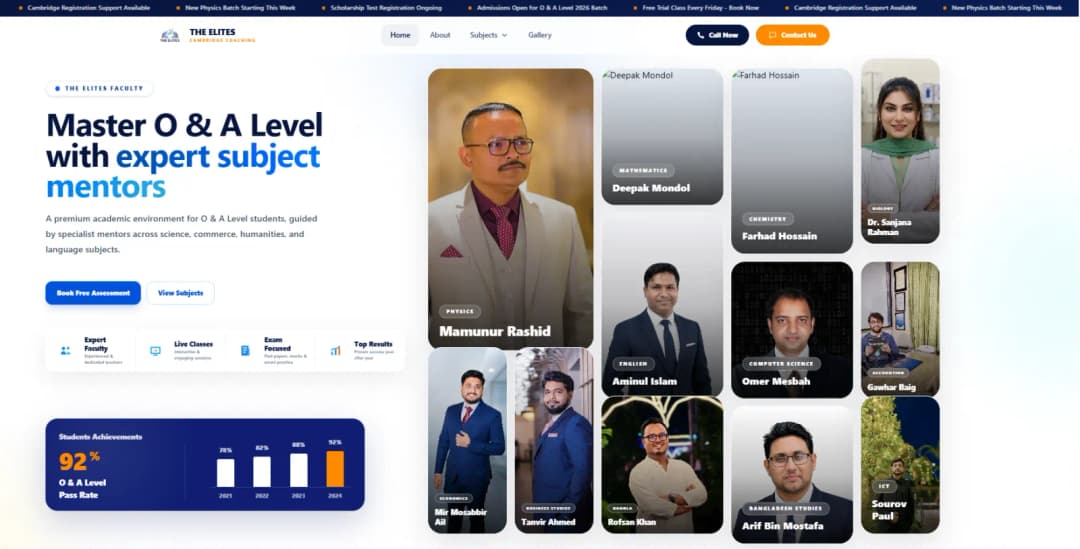
Our work includes structured admissions inquiries for The Elites and automated reporting for JG Healthcare. We map your specific process before building.
03What if the automation gets something wrong?
We can route exceptions to a human reviewer, log each run and set alerts or retries. Critical actions still need appropriate checks.
04Does it work with our existing software?
Where APIs or webhooks are available, we can connect websites, CRMs, inboxes and databases. See the API development guide for integration basics.
05How much does it cost and how long does it take?
Cost and timing depend on the workflow, number of systems, approval rules and integrations. We map the first process on a free call and propose a phased build.
06Which countries do you work in?
We work remotely with businesses across North America, Europe, the Middle East, Asia-Pacific and Africa, including the United States, Canada, the UK, Germany, the UAE, Saudi Arabia, Australia and Singapore, and anywhere else, with a working demo every week of the build.
Services Behind Your Business Automations


Guides to help you plan
Practical answers to the questions clients ask us before they start.
Ready for Business Process Automation Services?
Tell us which tasks repeat. We will map one workflow, its integrations and a path to expand.